Turn text prompts or images into professional-quality videos with Veo 3 — native audio, 4K output, and fine-grained creative controls included.
Upload Reference Image
JPG, PNG, WebP
Maximum file size: 10MB
You can precisely control the start and end of your AI video, allowing you to control the first and last frames and create smooth cinematic transitions
Enter a prompt and click generate to create your first video with Veo 3
Explore the powerful video generation capabilities of Veo 3, from images to videos, from text to animations, experience the infinite possibilities of AI video creation
Upload a static image or select an image generated by Nano Banana Pro, Veo 3 will inject vitality into it, creating smooth and natural dynamic video effects.
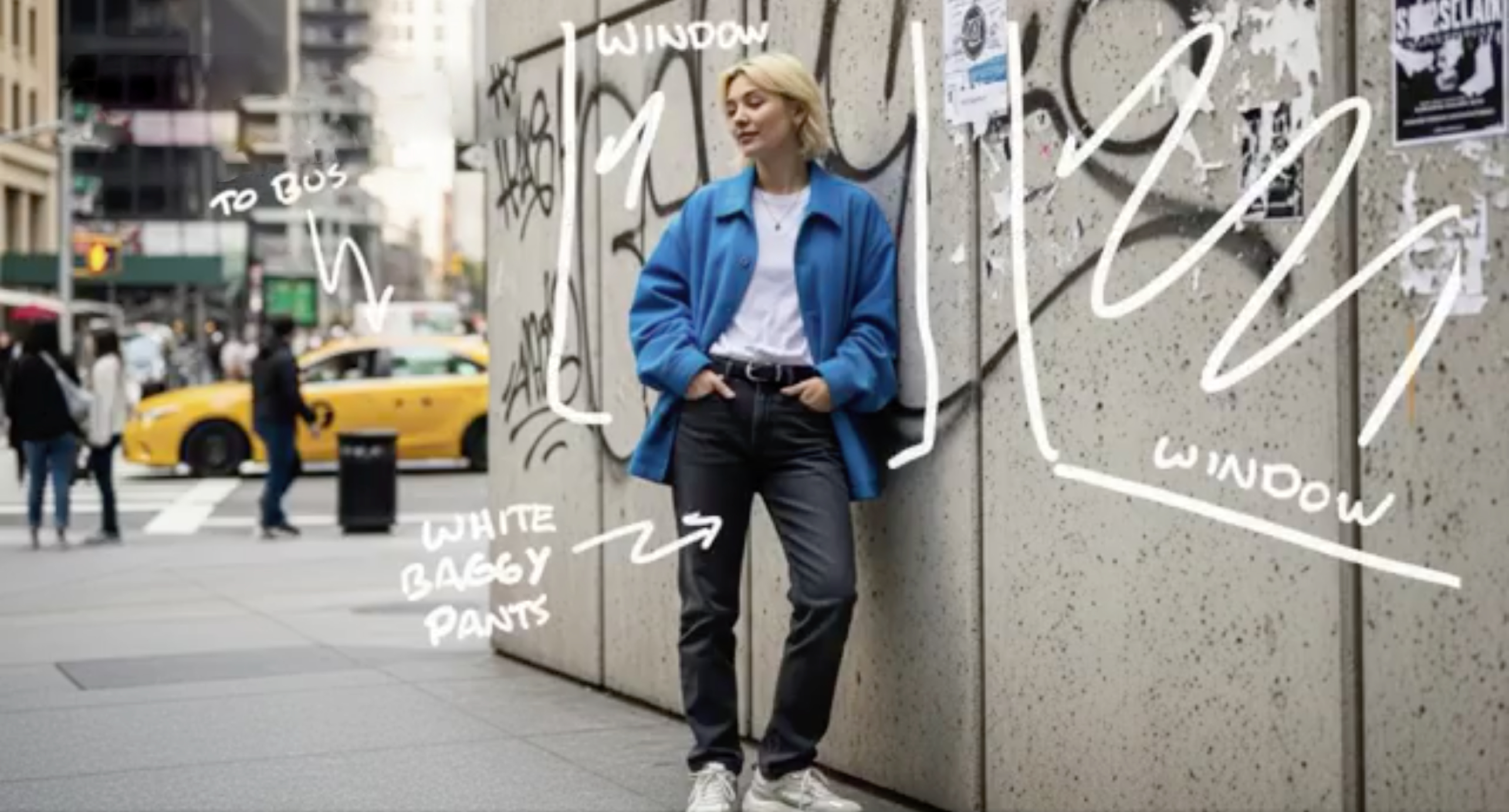
With just text descriptions, Veo 3 can understand your creative vision and generate stunning professional-grade video content
"Ultra-fast tracking shot through a sprawling futuristic cityscape where towering buildings are made of reflective organic chrome, glistening under a bright midday sun. Rainbow light flares and crystalline bokeh scatter across the frame as the camera dynamically weaves between structures. The sequence transitions into a seamless close-up zoom into a translucent chrome hive, where a highly detailed robotic worker bee is seen crafting with mechanical precision. The scene is rendered with hyperrealistic 4K clarity, soft lens depth, and ambient sci-fi audio humming in the background, evoking the mood of a high-budget cyber-futurist film."
Veo 3 gives filmmakers and content creators a practical tool for generating high-quality video with real creative control.
Veo 3 outputs up to 4K with improved physics, natural motion, and photorealistic detail. Works from either a text prompt or an input image, with consistent quality across both modes.
Two workflows in one: describe the video you want, or start from an image and animate it. Veo 3 follows multi-scene prompts closely, so complex instructions map to what actually ends up on screen.
Veo 3 generates the audio together with the video — synchronized sound effects, dialogue, and background audio that match the scene. No separate audio pass needed.
Match a style from a reference image, keep characters consistent across scenes, direct the camera, and shape motion paths. The controls you actually need for production work and storytelling.
Generate professional videos with Veo 3 in just three simple steps using our intuitive interface.
Start your Veo 3 video creation by entering a detailed text prompt or uploading an image. Veo 3 supports both text-to-video and image-to-video generation, giving you flexibility in how you create. The more detailed your prompt, the better Veo 3 can understand your creative vision.
Customize your Veo 3 video with advanced options. Choose between text-to-video or image-to-video mode, select 720P standard quality or upgrade to 1080p high definition. Veo 3 allows you to refine creative controls for optimal results that match your specific needs.
Click generate and let Veo 3 create your professional video. Once Veo 3 completes processing, preview your video with synchronized audio and download in your preferred quality. Your Veo 3-generated video is ready for sharing, editing, or commercial use.
Get answers to common questions about Veo 3 AI video generation.
Use our AI image prompt gallery to design scenes and characters, then bring them to life with Veo 3.
Browse AI image prompts →